Automation Services
Automate. Optimize. Scale.
Automation services built for modern business operations
BlackByte provides automation services that reduce manual work, integrate systems, and improve execution across operations, customer service, and internal teams.
We focus on business-critical workflows where delays, errors, and disconnected systems slow teams down. Our automation is designed to be reliable, auditable, and scalable.
- Process and workflow automation
- AI-assisted decision and routing logic
- Customer service automation
- Robotic Process Automation (RPA)
- Systems, CRM & data integration

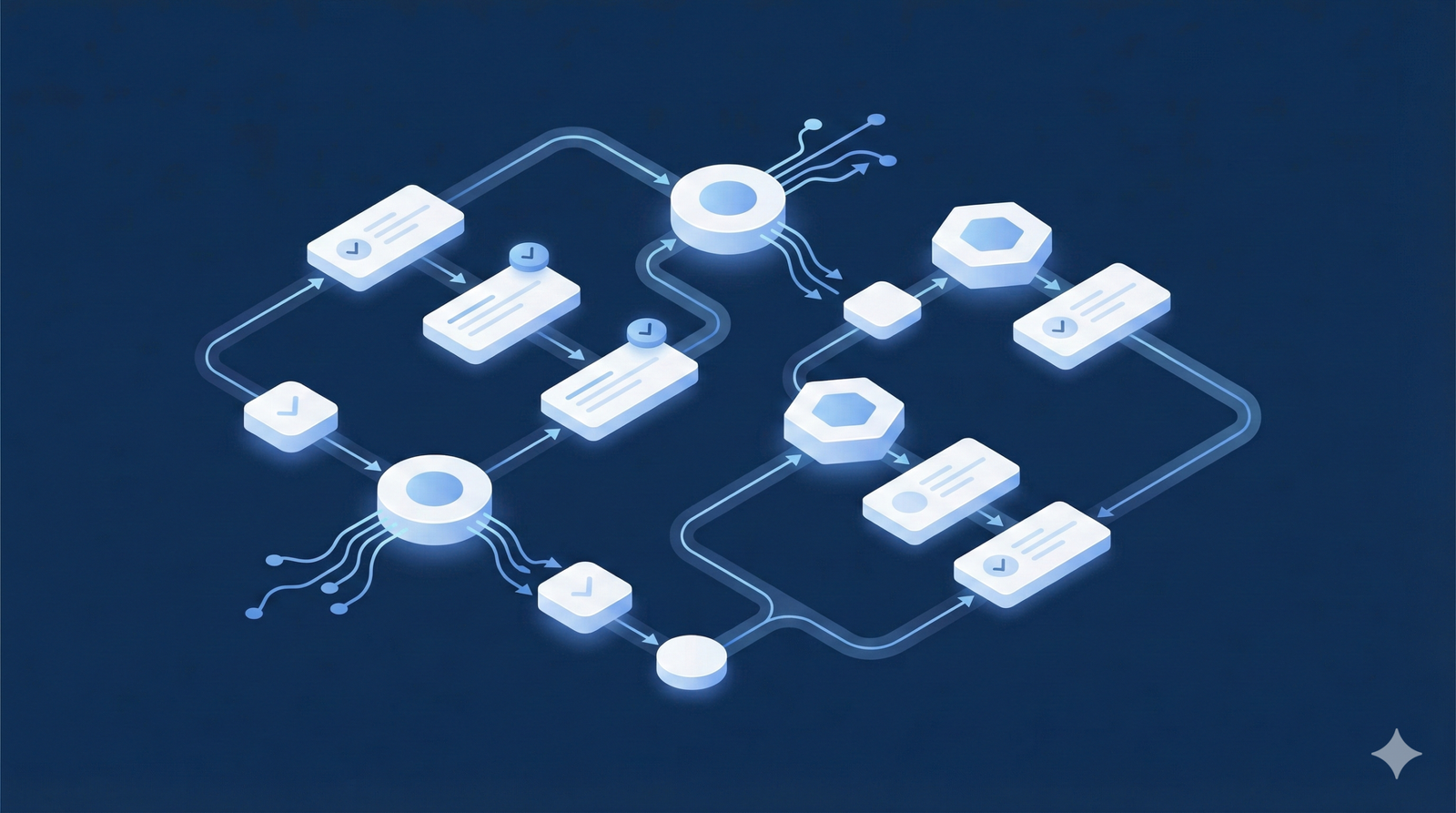
Process Automation
Automate repetitive workflows and approvals to reduce cycle time and errors.
- Approvals & routing
- Operational handoffs

AI Automation
Use AI to classify, prioritize, and trigger actions without losing control.
- Smart routing
- Decision support

Customer Service Automation
Improve response times by automating ticket intake, routing, and escalations.
- Helpdesk & CRM sync
- SLA-based routing
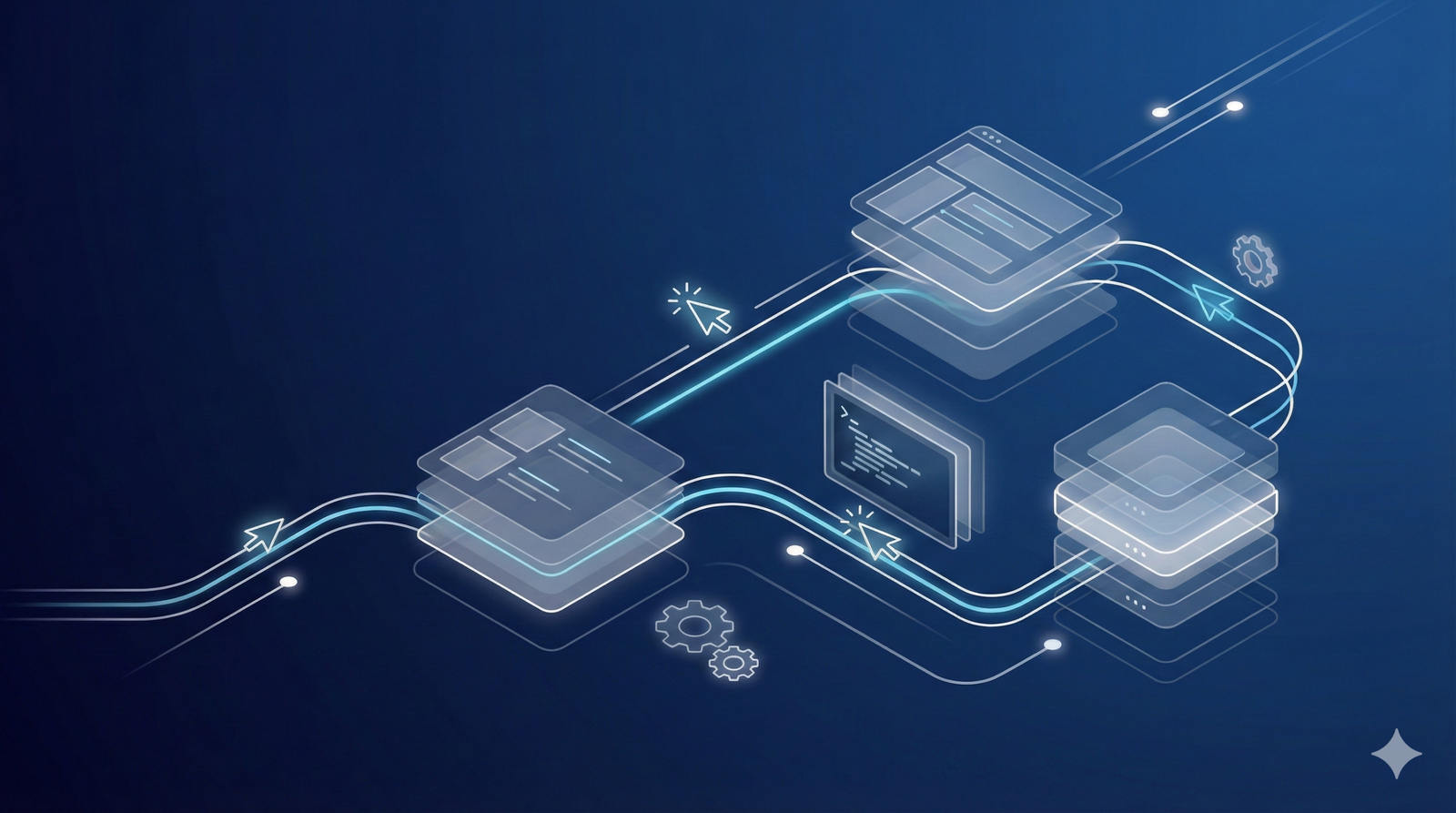
Robotic Process Automation (RPA)
Automate repetitive UI-based tasks across legacy systems and portals.
- Data extraction
- System-to-system actions

Systems, CRM & Data Integration
Connect CRMs, ERPs, databases, and business tools to ensure data flows automatically and stays consistent.
- CRM ↔ ERP ↔ internal systems
- Data synchronization & validation
- Single source of truth
Key Benefits of Automation Out Services
Frequently Asked Questions
What does automation mean?
What types of processes can be automated?
How is automation different from AI automation?
Will automation replace my team?
How long does it take to implement automation?
Do you maintain automations after they are built?
Automation examples: what “connected operations” looks like
Here’s a simple way to visualize our automation services. Each tab shows one real trigger and the downstream actions that keep teams and systems in sync—without manual follow-ups.
Operations automation
Example trigger: Order received
- Validate order data (required fields, address, SKU)
- Sync inventory and reserve stock
- Create/Update records in ERP and CRM
- Notify ops team and customer automatically
- Log actions for audit and monitoring
Customer service automation
Example trigger: New ticket created
- Normalize intake (email/form/chat) into one format
- Auto-classify request type and urgency
- Route to the right team based on SLA/account
- Update CRM/helpdesk fields automatically
- Escalate if risk is detected
Finance automation
Example trigger: Invoice received
- Extract and validate invoice fields
- Match vendor rules and approval policy
- Route approvals automatically
- Post into ERP/accounting system
- Update payment status and reporting
Sales operations automation
Example trigger: New lead captured
- Enrich lead information (company, contact details)
- Assign to the right owner or team
- Create follow-up tasks and reminders
- Update CRM fields for pipeline hygiene
- Notify sales team instantly
Systems, CRM & data integration
Example trigger: Record updated in CRM
- Validate changes and required fields
- Sync updates across ERP/helpdesk/tools
- Write audit logs and error handling
- Refresh analytics/reporting datasets
- Notify teams when exceptions occur
Automation that stays controlled, auditable, and reliable
Automation should reduce risk—not introduce it. Our automation services are built with guardrails, monitoring, and accountability so workflows remain stable as systems evolve.
-
Role-based access Only authorized users and services can run or approve automation.
-
Least-privilege credentials Scoped credentials and secure secrets minimize exposure by design.
-
Audit trail Clear logs of what ran, when it ran, what changed, and what failed.
-
Data validation Rules prevent bad data from propagating across systems.
-
Controlled AI usage AI operates with guardrails and optional human-in-the-loop review.
Bottom line: automation you can trust, operate, and scale—without losing control.